FULL PRODUCT TOUR
Every major K500 section.
Explained by what it does for you.
This page is intentionally separate from the fast homepage. Screenshots load only as you approach them, so the main site and download path stay light.
01SOURCE & VOCALS
Get music and both microphones right first.
Each path stays independent, so fixing one audible problem does not disturb the rest of the system.
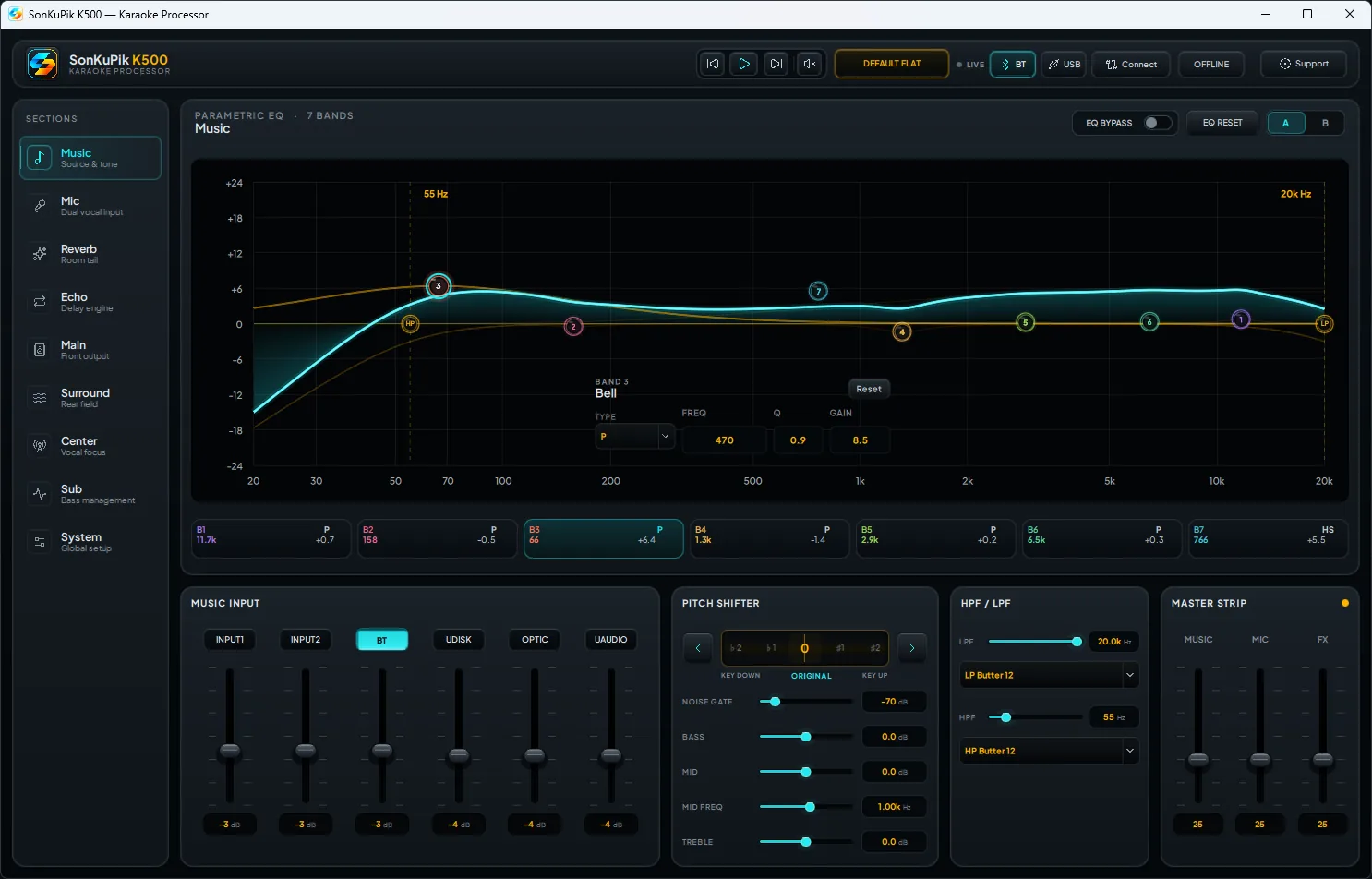
01 · MUSICShape the backing track visually.
See the PEQ response while adjusting frequency, gain and Q, making tonal decisions easier to understand.
- Visual PEQ response
- Music tone and balance
- Live device-aware editing
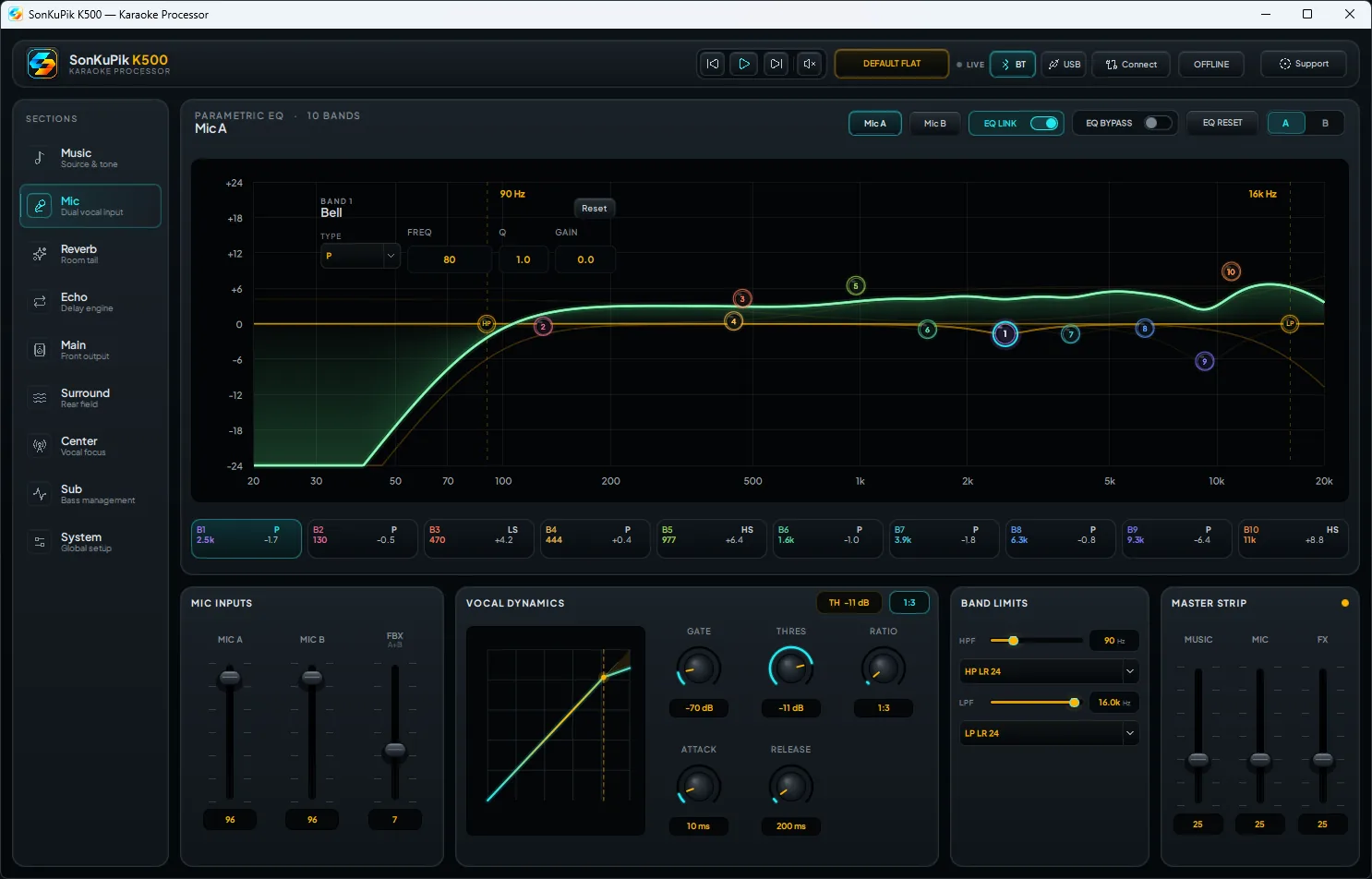
02 · MIC ABuild the main vocal tone.
Keep the first vocal path focused and independent from music, effects and speaker outputs.
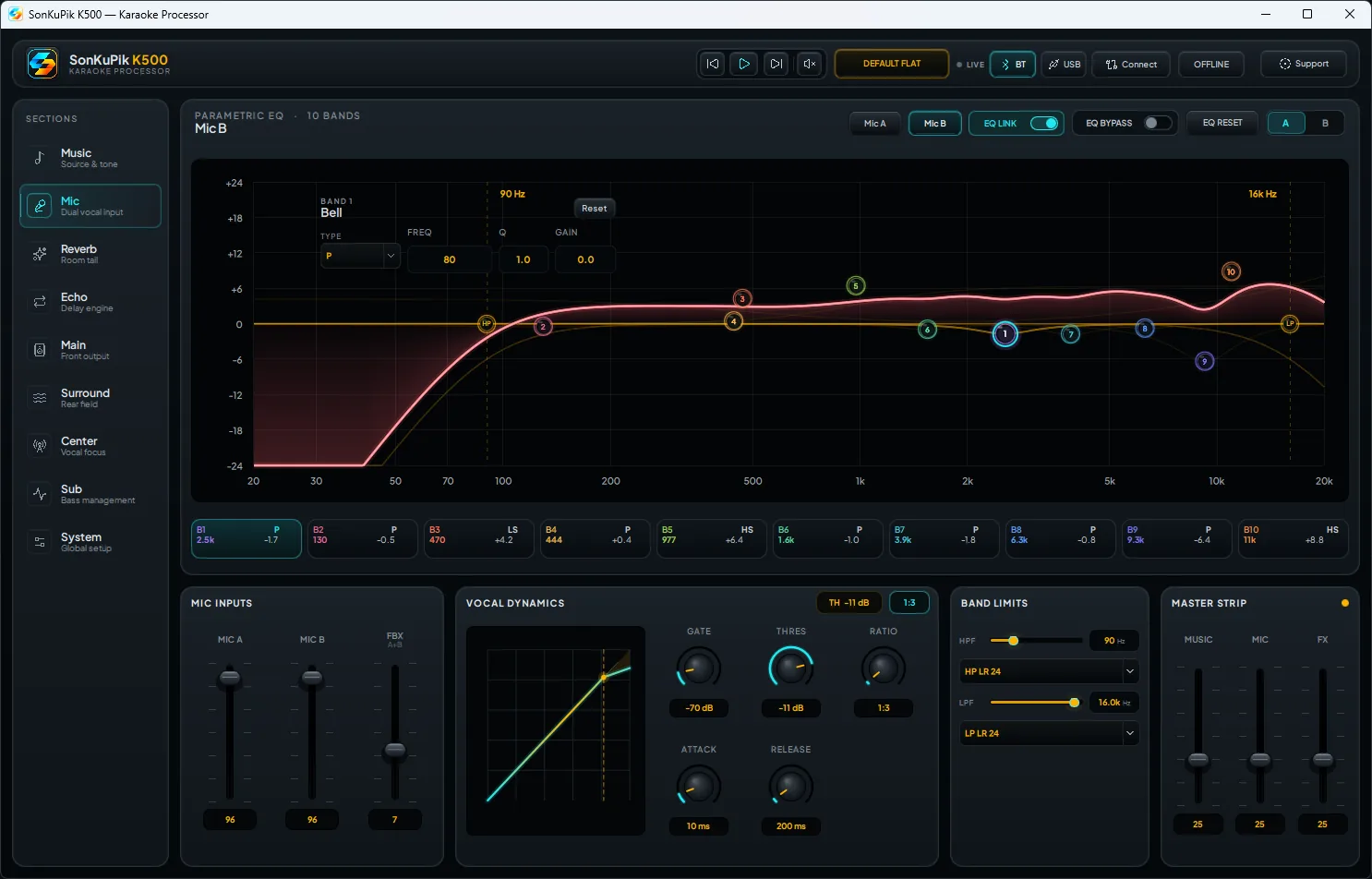
03 · MIC BTune the second singer separately.
Different voices do not need identical treatment. Mic B gets its own clear workspace.
02VOCAL EFFECTS
Add space without losing clarity.
Reverb and echo stay separate from dry microphone tone for faster problem solving.
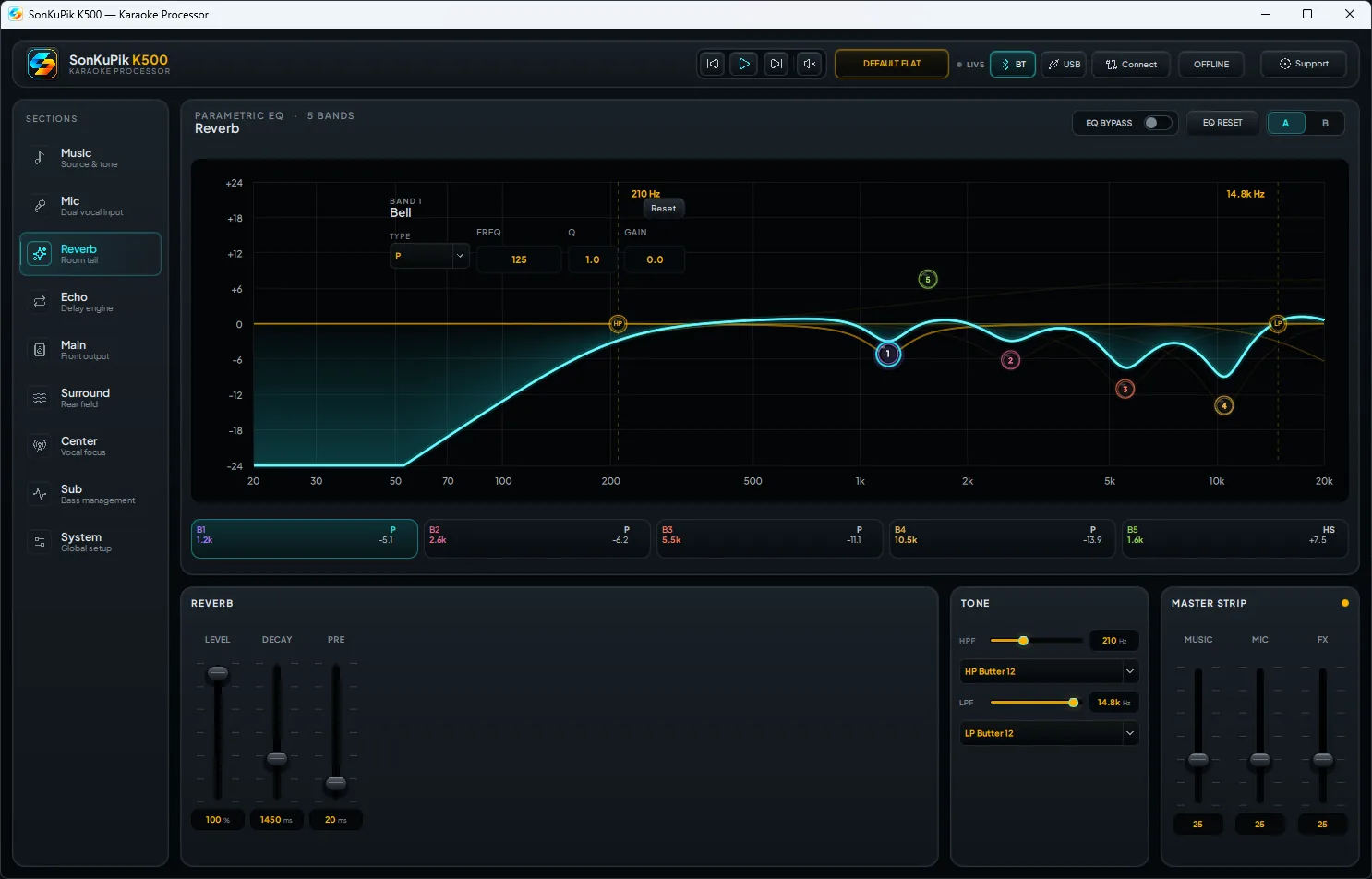
04 · REVERBAdd size and polish.
Shape ambience independently so the vocal can feel larger while remaining intelligible.
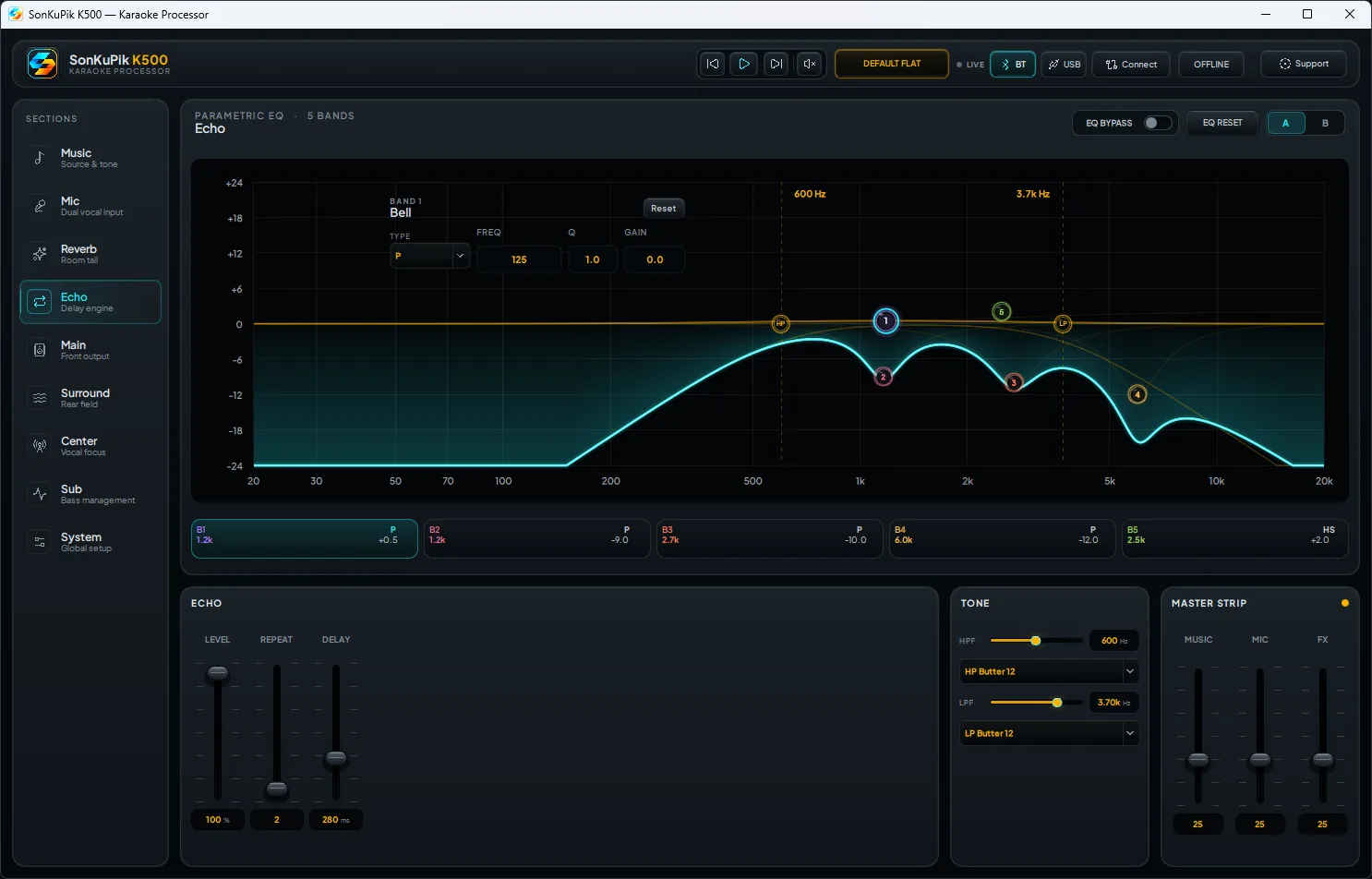
05 · ECHO / DELAYDial in karaoke echo with less guesswork.
Keep delay and tone control in one focused effect page instead of mixing it into every other setting.
03SPEAKER OUTPUTS
Four speaker roles. Four dedicated control paths.
Main, Center, Surround and Subwoofer can each be optimized for the job they perform in the room.
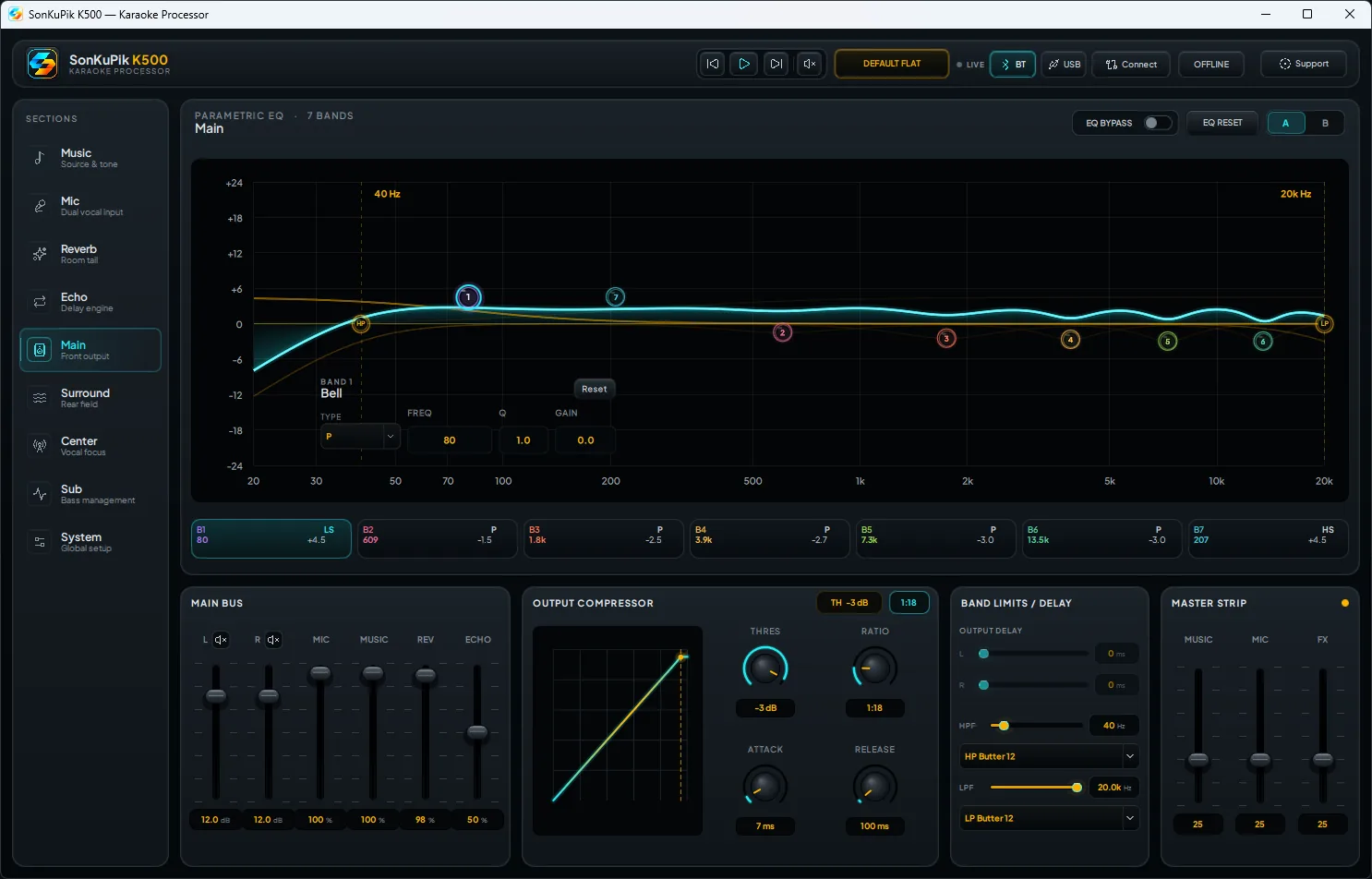
06 · MAINSet the tonal foundation.
Balance the primary front speakers before the support channels add width, focus or bass.
- Primary front image
- Independent EQ
- System tonal balance
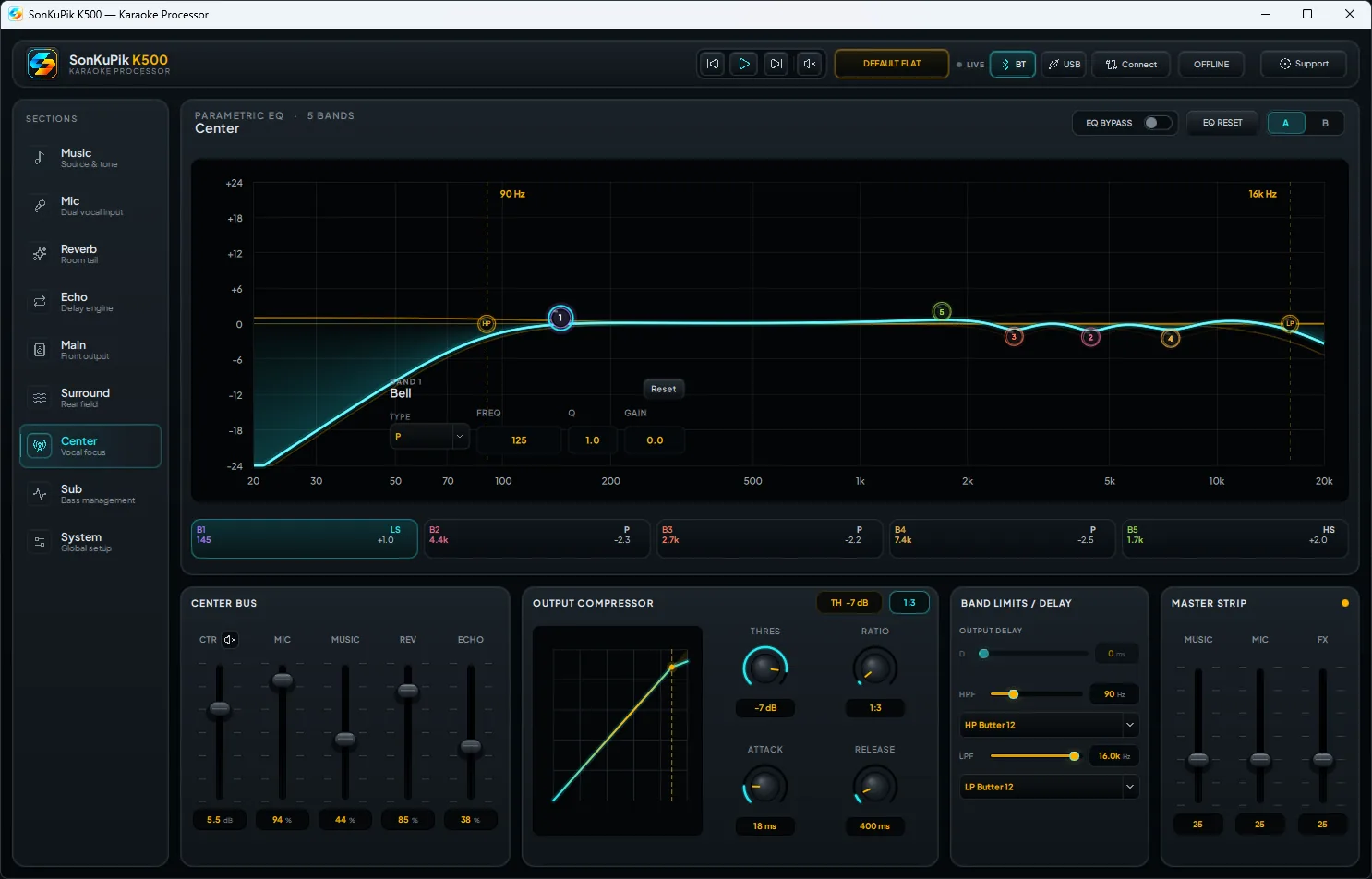
07 · CENTERAnchor the vocal in front.
Strengthen presence and intelligibility without making the main speakers do everything.
- Vocal anchor
- Center-specific EQ
- Stronger front focus
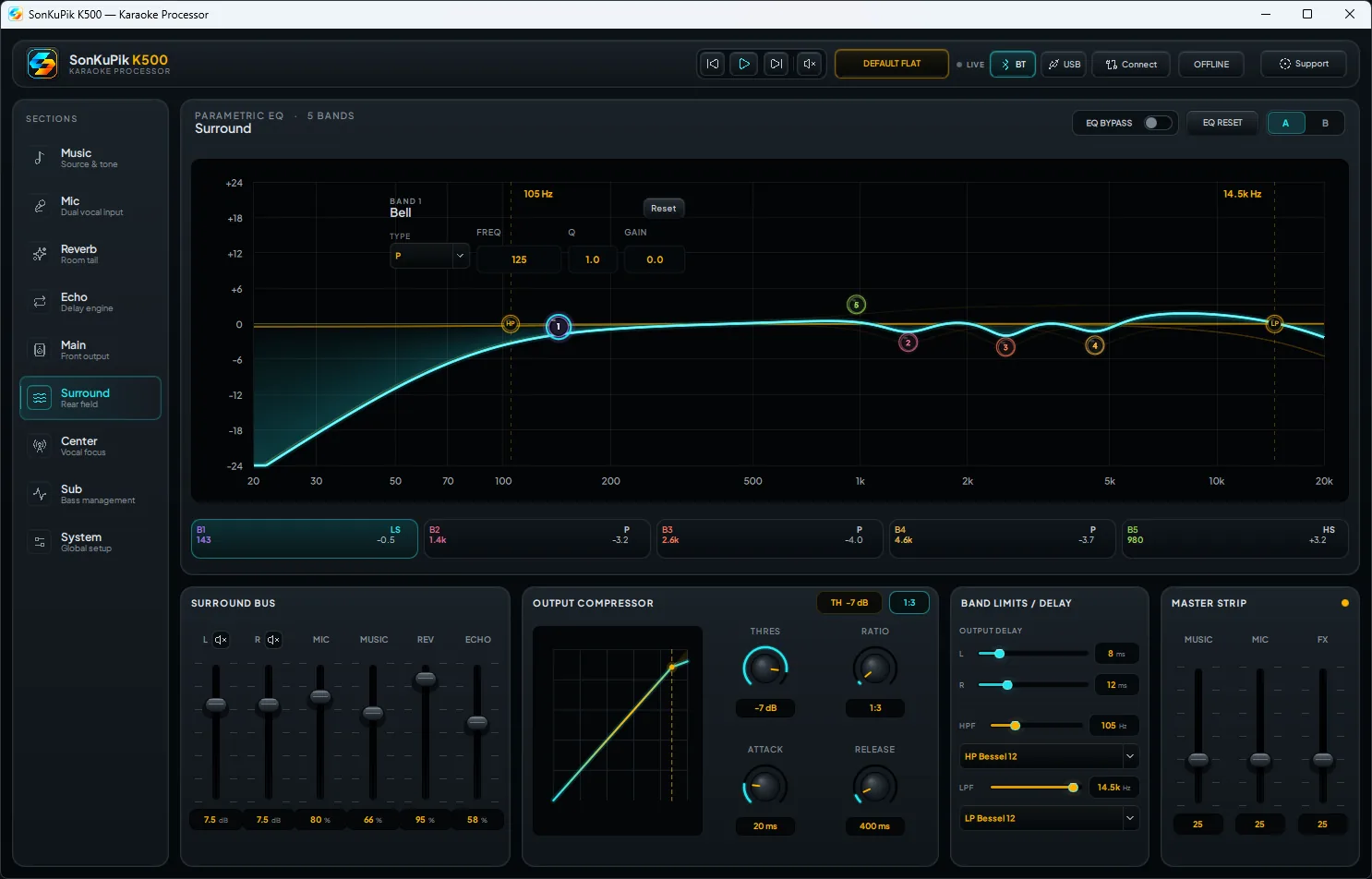
08 · SURROUNDAdd width without crowding the lead vocal.
Support room coverage, air and ambience while keeping the primary vocal image clean up front.
- Wider room coverage
- Controlled ambience
- Less vocal competition
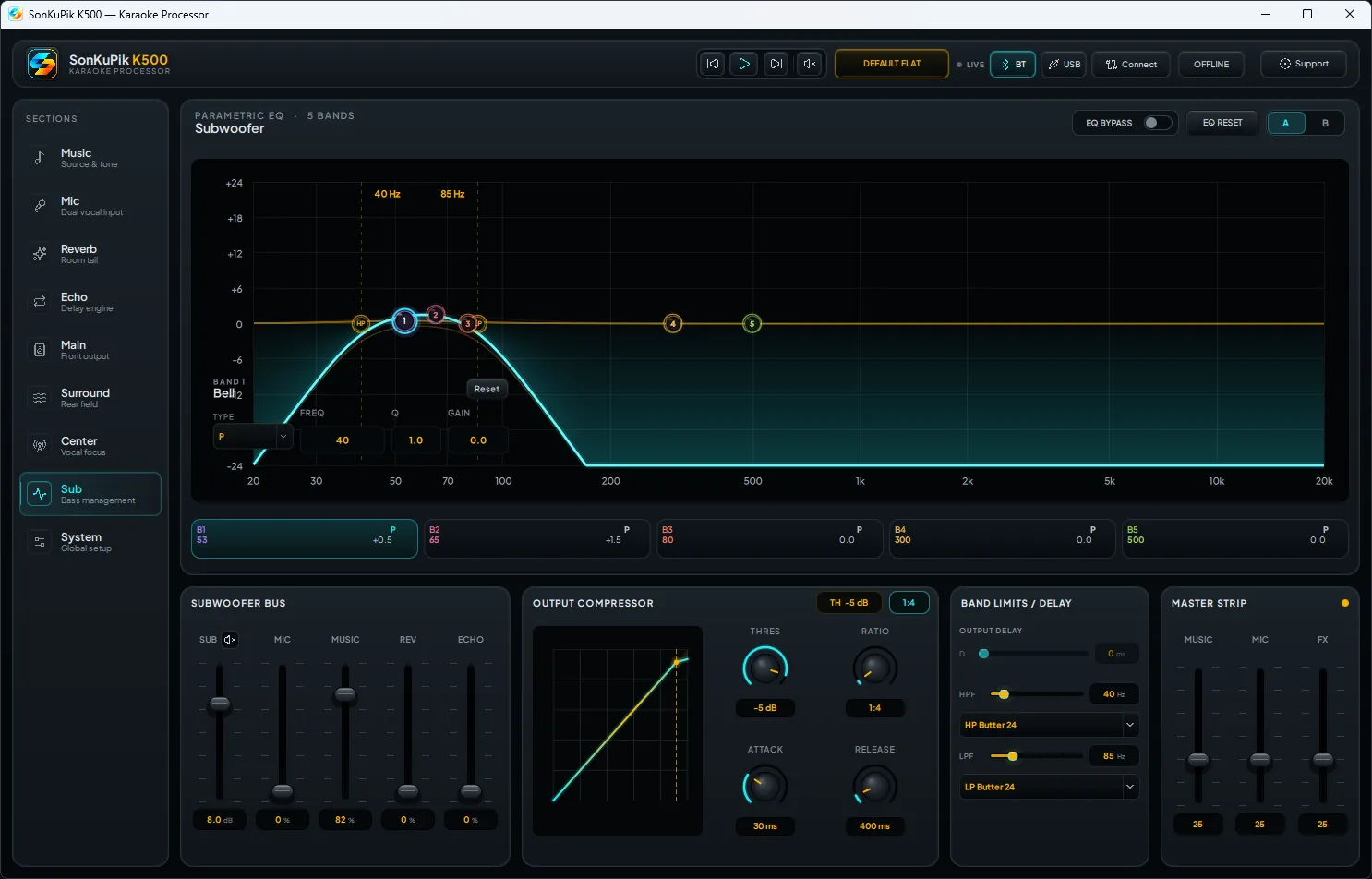
09 · SUBWOOFERGet deeper bass without boom.
Tune the low-frequency path separately for weight, punch and cleaner integration with the main speakers.
- Dedicated LF tuning
- Tighter integration
- More impact, less mud
04SYSTEM & PRESETS
Turn good tuning into repeatable setups.
Move from live editing to deliberate recall, preview and upload workflows.
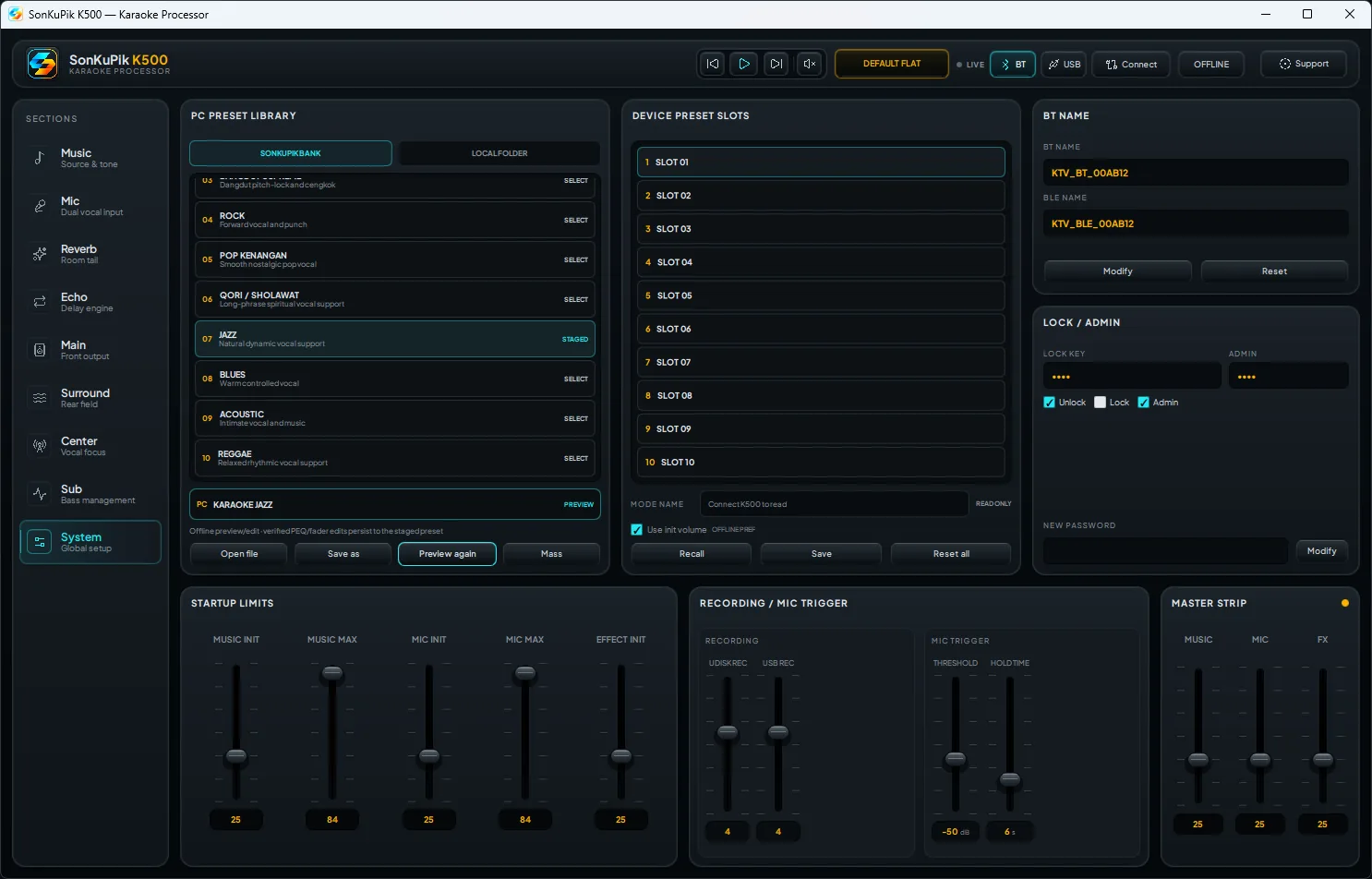
10 · SYSTEMManage the K500 as a complete system.
Recall equipment modes, browse official and local presets, preview settings without silently changing hardware, then perform validated single or mass uploads.
- Equipment mode recall
- Official + local preset library
- Preview before write
- Validated upload workflow